FogForge
Two free Windows tools for Dead by Daylight. They read the pixels on your screen and nothing else.


Map overlay
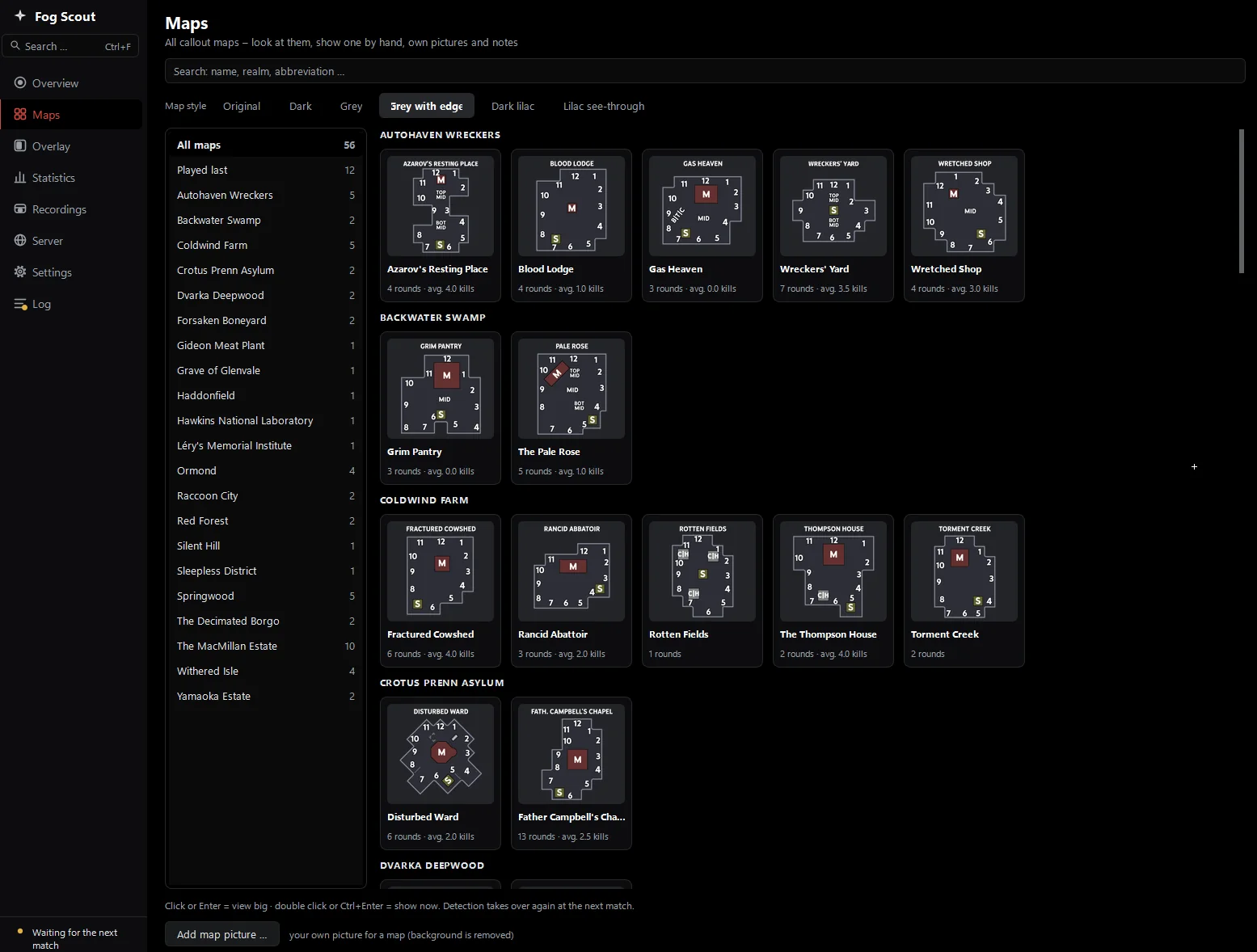
Fog Scout
When a match starts, Fog Scout reads the map name at the bottom left of the screen and puts the matching callout map on top of the game. After the round the map goes away again.
Text recognition runs on your PC. Map detection and the overlay open no internet connection.
Detection, measured
- map pictures in English and German, 720p to 4K and ultrawide, all correct
- 112/112
- false alarms on 319 screens without a banner
- 0
- of 120 unknown map names assigned to a wrong map
- 0
- per picture at 1440p
- ≈0.1 s
What it does
- Automatic callout maps56 map pictures, layouts like Coal Tower II told apart, in a click-through window.
- Server regionChoose which regions you connect to and see the game server you are on.
- Match statisticsRole, killer, kills, escapes and bloodpoints per round, kept on your PC.
- Recording with OBSStarts and labels recordings per match, with a clip editor for the highlights.
- Discord and SpotifyOptional: show map and role as Discord status, see your Spotify queue.
- German and EnglishFollows the Windows language, switchable in the settings.
Inside the app
Live chat translation
Fog Translate
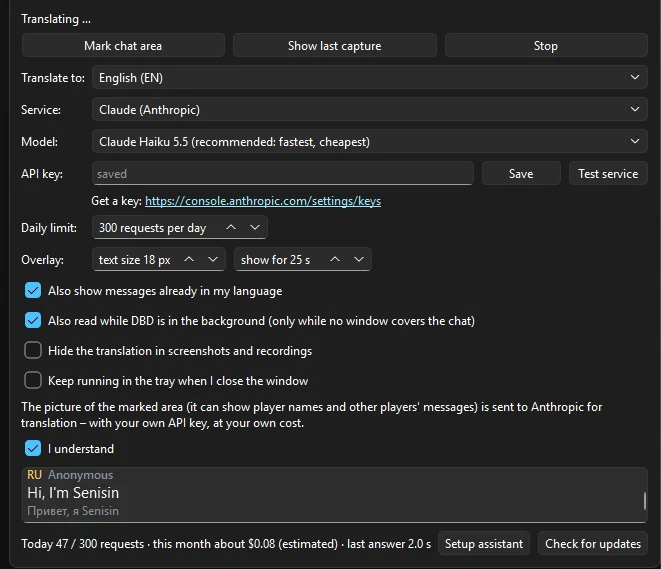
Translates the Dead by Daylight chat while you play. It reads any script, including Cyrillic, Korean, Japanese and Chinese, and shows the translation in a small click-through window on top of the game.
A standalone program. It runs next to Fog Scout or without it.

How it works
- Mark the chat area once. Drag a box around the chat. The area is stored relative to the game window, so it survives a different window size.
- Press Start. The program looks at that area twice a second and only reacts when the text has changed.
- Read the translation. Language, name, translation and the original in small print appear in the overlay and fade after 25 seconds.
One window
Pick a service
| Service | You need | Cost | Your data |
|---|---|---|---|
| Claude | API key | about 1 cent per request or less | sent to Anthropic |
| Gemini | free API key | free tier | sent to Google |
| Ollama | local vision model, GPU with 8 GB or more | free | stays on your PC |
Fair play
Built to stay out of the game
Both tools were designed around one rule: do not interact with Dead by Daylight. They are still unofficial. Behaviour Interactive has not approved map overlays or region tools, so you use them at your own risk.
- ReadsScreen pixels, the way OBS or Discord screen sharing does, and window information.
- NeverKeyboard or mouse input to the game, or any automation of game actions.
- NeverAccess to the game process: no memory reading, no injection.
- NeverReading or changing game files.
- NeverHidden information. The callout map is a static community map, with no generators or positions.
- ChangesOnly if you use the server region feature: the Windows hosts file, which "Allow all" puts back.